Choose theme
AI Guide
What Should Your AI Remember About You?
A remembered preference can save repetition, while an outdated assumption can shape a later reply. This Guide offers a small way to choose and check the context you reuse.
These are suggestions to adapt to your situation. Check important details against current original sources before acting.
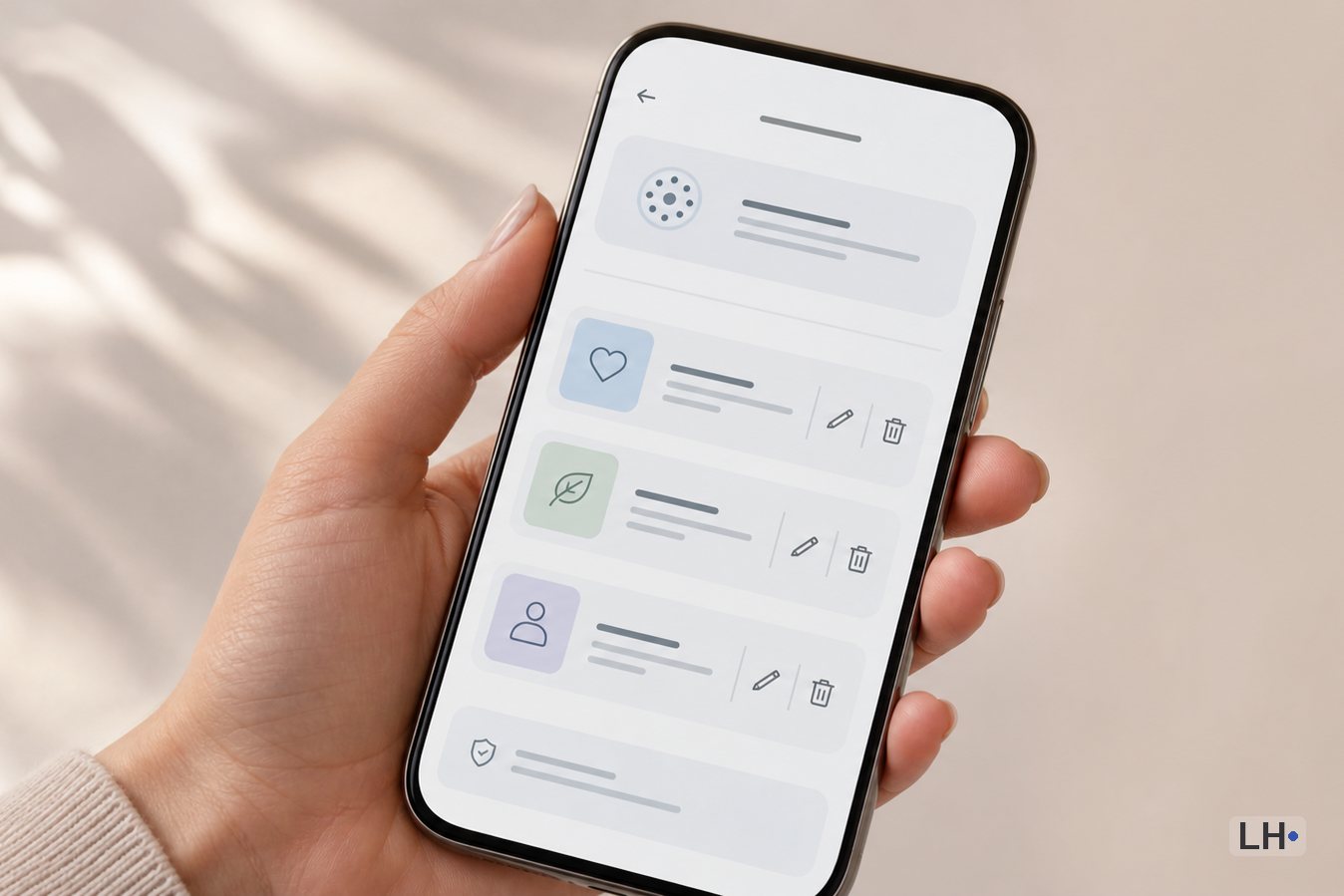
Task
Which details would help another conversation
A stable preference, such as using metric units or plain language, may save you repeating it in later chats. A temporary deadline or an old project fact can become misleading instead. You could choose which details deserve reuse and keep exact project information in a record you can inspect.
Approach
Memory is one source of context
An assistant may draw on saved memory, old chats, instructions, files or connected apps, depending on the product. Turning off one feature may not remove information held elsewhere. If you want to correct or remove a detail, the controls for its actual source deserve a separate look.
Takeaway
A fresh chat can help check a correction
After changing a remembered detail, you could try a fresh conversation about something unimportant and notice whether the old assumption returns. If it does, another chat, instruction or file may still be supplying it. The product’s current help pages can explain which controls and update behavior apply.
Start here
Memory is context carried into another answer
A remembered detail can influence a later reply without you typing it again. A stable preference, such as using metric units, may save repetition. An old project deadline or temporary personal situation may become misleading background.
The useful question is what you want carried into another conversation, where you can inspect it, and what belongs only in the current task. Convenience can be helpful while you keep the important project facts in a record you can read.
Know the layers
Memory, chat history, and instructions are related but not identical
Conversation context is the information available for the present reply. Chat history is the conversations a product stores; some products can search or reference that history. Reusable memory carries selected information into later work. Instructions are guidance you deliberately set, such as a preferred tone.
Files and connected apps can supply another layer. A correct memory entry does not tell you whether an uploaded project brief is current, and deleting one chat does not explain what happens to every other layer. The available controls depend on the product, account and feature.
What may help
Stable preferences can be useful when they change the answer
A useful memory tends to be both durable and relevant. If you repeatedly ask for plain language, use a particular measurement system, avoid a food ingredient, or work toward the same long-running goal, carrying that context forward may reduce repetition.
You might prefer to keep the remembered version short. “Use metric units” is easier to inspect than a long personal profile. “I am learning Spanish at beginner level” gives the assistant useful context without asking it to infer every detail of how you learn.
Communication choices that apply across many conversations, such as concise answers or plain-language explanations.
Stable practical constraints that genuinely change suggestions, such as an accessibility need or a dietary preference you want considered.
Long-running goals that remain current, with enough detail to help and no more.
Recurring names or terms that prevent ordinary misunderstandings.
A preferred way to review work, when that habit is useful beyond one project.
What may stay out
Reusable memory is a poor home for secrets and passing situations
Some information is too sensitive, too temporary, or too easy to misread to be useful as background across chats. Even when a provider offers memory controls, that does not turn the memory layer into a password manager, a medical record, or the only copy of an important fact.
One option is to describe the constraint without supplying the identifying detail. An assistant may need to know that a document contains confidential client information; it usually does not need every client name remembered for future conversations.
Passwords, recovery codes, private keys, API keys, authentication tokens, or one-time codes.
Full identity, financial, medical, legal, employment, or customer records that are not needed across conversations.
Someone else’s private information when they have not chosen to place it in that setting.
Short-lived situations that could become a stale assumption, such as a temporary injury, one-week schedule, or passing mood.
Project facts that must be exact, versioned, sourced, or shared with other people.
Inspect and correct
A memory view is something you can review
Where the product offers a memory page or summary, you may want to look for details that are wrong, too broad, no longer current, or more personal than they need to be. Asking the assistant what it remembers can be a useful starting point, but the product’s settings and official help page are the better place to confirm the available controls.
A correction is worth checking in a fresh conversation. If the assistant still uses the old detail, the source may be another chat, an instruction, a project file, a connected app, or a separate memory entry. Product documentation may also describe a delay before a change stops influencing responses.
Is the statement still accurate, or did the situation change?
Is it a preference you chose, or a broad assumption the system drew?
Could it steer a different conversation in an unwanted direction?
After a correction, a fresh low-stakes conversation may help you notice whether the old assumption returns. If it does, history, instructions, files or connected sources may need a separate look.
Product examples
Why the exact product and feature matter
OpenAI describes memories as context from earlier work and distinguishes them from personal instructions and required project guidance. Its current personalization and memory documentation explain the controls available in the desktop app and Codex; those descriptions should not be assumed to cover every interface or account.
Google lists past Gemini chats, connected Google apps and response instructions as different personalization sources. Its help page also notes account and availability limits. That gives you several separate places to investigate when an old detail returns.
Anthropic documents chat search, memory and incognito chats separately. Its page includes feature-specific sections with different memory-update descriptions. It may be better to follow the section matching the feature your account actually shows than to copy a deletion instruction from a different memory mode.
Turn off and delete
Turning off, forgetting, and deleting can be different actions
A pause, an edit and removal can be different actions. Turning a feature off may change whether it is used; it does not by itself explain what happens to stored conversations, instructions, files or connected services.
If your aim is to remove a detail, you could review the current documentation for each place that supplied it. Temporary or incognito modes may keep a conversation out of ordinary history or memory as described by that product, while separate retention or workplace rules can still apply. A setting name alone is not a promise of confidentiality or complete deletion.
Keep your own context
Files are often better for project truth
Memory works well for lightweight continuity. Important project context often needs stronger qualities: exact wording, visible sources, dates, versions, deliberate sharing, and a clear correction history. A small file you control can provide those things without asking one assistant to reconstruct the project from past conversations.
The file does not need to become a complicated system. A short project brief can hold the current goal, facts, decisions, constraints, source links, open questions, and the next step. You can attach or paste the relevant portion when a tool needs it, then keep the main copy in a location you can inspect and move.
Current project goal and what “done” means.
Important facts with dates or source links.
Decisions already made and the reason they still apply.
Examples, terminology, or style choices that the work depends on.
Open questions, known limits, and a short restart note.
A gentle check
The consequence can guide what you carry forward
When a remembered detail only changes the tone of a low-stakes answer, an occasional mistake may be easy to notice and correct. When it could change a health, money, work, account, relationship, or other consequential decision, you may prefer to restate and verify the current facts instead of relying on background memory.
Memory can make an assistant feel continuous, but continuity is not the same as correctness. The answer still deserves the same source checks and judgment that the situation requires.
Bottom line
Let memory carry convenience, not your only copy of what matters
Useful AI memory is usually short, stable, easy to review, and genuinely helpful across conversations. Sensitive details, temporary situations, and exact project truth may fit better in a single conversation or in files you control.
Because products separate memory, history, instructions, projects, files, and connected apps in different ways, the practical habit is to inspect the actual controls, correct stale context, and avoid assuming that one delete or off switch covers every layer.
AI Guide note
How to use this guide
AI Guides are general editorial guidance, not professional advice or guarantees about accuracy, safety, suitability, performance, or outcomes. Tools, terms, prices, features, and laws can change. Check important details against original sources, product terms, reliable references, and qualified help where needed.
Source trail
Current product controls and related LifeHubber reading
The official help pages below document the product-specific differences described in this guide. Features and settings can vary by plan, account type, region, workspace, and rollout, so readers may want to check the current page for the product they use.
What to explore next
Keep useful context in your own hands
A chatbot's memory is only one layer. Keep the project facts you cannot afford to lose in files you can inspect and move.